
October 21, 2026
Clark County, WA Building Permit Status: How to Track and Coordinate It
A permit status only helps if you know what it's asking of you. Some statuses mean the county is working. Others mean the file is waiting on you, and nothing moves until someone responds. This guide explains what the Clark County building permit status labels mean in ProjectDox, who needs to act at each one, and how we coordinate those handoffs.
If you're trying to find a permit, for example by address or on a house you're buying, start with our guide to looking up permits and checking status in Vancouver and Clark County. This post picks up once your application is in review.
First, make sure it's a county permit
Unincorporated Clark County and the City of Vancouver use different systems. The quickest check is Clark County's Property Information Center: the Jurisdiction field under Administrative Data shows who reviews the parcel. If it says Vancouver, skip to the Vancouver section below.
Where Clark County status lives
The county uses two systems together:
- CC LMS is where the permit is created, fees are paid and the permit record lives.
- ProjectDox is where plans are uploaded and reviewed.
Once your application is accepted for review, the county says it will email you that it's in review, and email again when all reviews are completed. You can also sign in to ProjectDox at any time to see the status on your dashboard.
What each ProjectDox status means, and who acts
The county publishes these definitions. Not every status applies to every project.
Waiting on the applicant:
- Upload: documents need to be uploaded and submitted.
- Prescreen Corrections: the county has comments on completeness. Make the adjustments and resubmit the files.
- Resubmit: review is done and comments need a response with the requested changes. The project stays in this status until the county processes the resubmission.
- Final Resubmit: changes were found during final review. Revise and resubmit the plans.
- Payment Due: final payments are due. After you pay in CC LMS and confirm in ProjectDox, the status stays at Payment Due until the county reviews it.
Waiting on the county:
- Prescreen: the county is checking the drawings for completeness. This status also returns after you respond to prescreen corrections.
- In Review: the files are accepted and review has started.
- Final Review: the initial review is complete and the project needs a final review.
- Payment Verification: the county is confirming payment.
- Stamp and Approve / Stamp and Decision Issued: the county is preparing or batch-stamping the plans.
Done:
- Approved / Decision Issued: the batch stamp is complete, and approved plans can be downloaded from the approved folder in ProjectDox.
Reading the review report
For detail, ProjectDox has a Plan Review – Department Review Status report under the Reports tab. The county explains how to read it:
- A department name with no reviewer or status means the review is assigned but nobody has accepted it yet.
- A department and reviewer with no status means the reviewer is actively working on it.
- A department, reviewer and status means that review is finished.
Review results include Approved, Corrections Required, No Review Required and No Comments Received. That last one means no response came back after a requested resubmission, so the review couldn't be completed. That's the result we work to avoid.
Corrections: the part that takes coordination
The Reviews tab shows correction items (markups) in real time. The county sorts them into four categories:
- Info Only: no response needed.
- Unresolved: a change is needed. Upload a revised file and enter a response.
- Resolved: the reviewer has accepted the change.
- Question: no file change, but the reviewer needs a written answer.
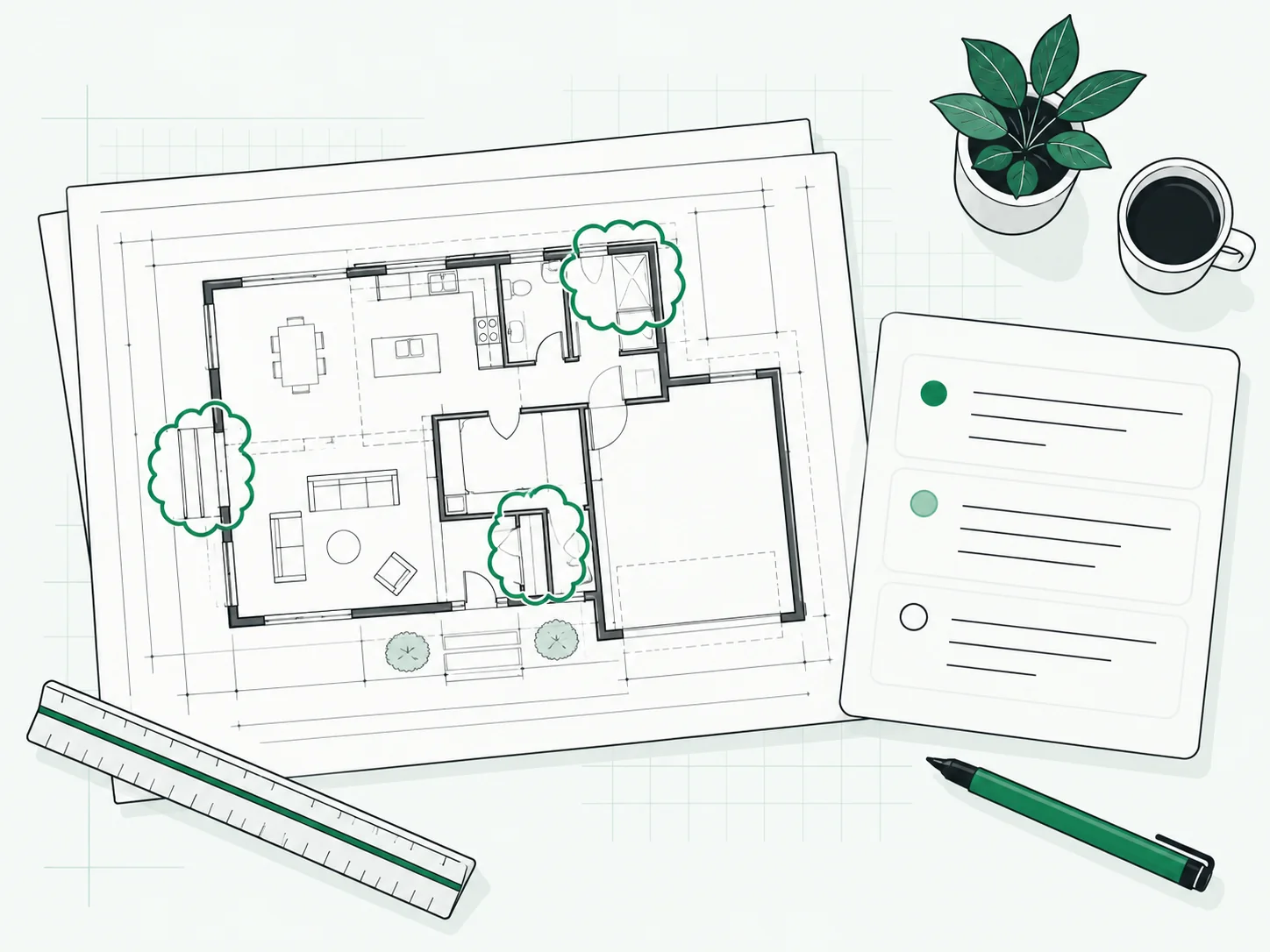
Each item has a reference number, and the county notes you can cite it, such as "Reference #6," when you contact a reviewer. More items may be added while review is still open. The county also points out that seeing items early lets you start on changes while review continues.
This is where most projects slow down. One comment may need the designer, another the engineer, another a stormwater detail. Corrections are a normal part of many reviews. What helps is a clear tracker and one person routing each item and checking the responses before resubmittal. Our guide to permit correction comments goes deeper.
Who can pay and act on the permit
The county states that only the applicant or an authorized agent may make payments on a permit, and it publishes instructions for designating an authorized agent. If someone else is coordinating your permit, set this up early so a Payment Due status doesn't wait on a handoff.
If the property is in Vancouver
The City of Vancouver uses ePlans for plan review. Its published steps run through application, review fee payment, upload, prescreen review, simultaneous review by the applicable disciplines, corrections (called changemarks) and the final approval email. When all reviews are approved, the permit moves to pre-issue, you're notified of the final fee total, and approved plans and the permit become available in ePlans once the balance is paid. Lookup steps for Vancouver are in our permit search guide and our Vancouver guide.
How PermitNorth coordinates status for you
We submit and track your application, watch the status, and tell you what was filed, what's open and what comes next. When corrections come in, we log each item, send it to the right person, check the responses and resubmit. The jurisdiction makes the decision, and we keep your side of the file moving and documented.
Each project starts with a written scope and a fixed quote, with correction responses handled within that scope. Jurisdiction fees are separate. Wondering how long review usually takes? See our Vancouver permit timeline guide. Every project is different, and we don't promise dates. See our services.
We reply to quote requests within 1 to 2 business days.
FAQ
How do I check my Clark County building permit status? Once your application is accepted for review, sign in to ProjectDox to see the status on your dashboard. The county also emails you when review starts and when all reviews are completed. To search a permit by address or number, see our permit search guide.
What happens if I didn't provide all the required information? The file goes to Prescreen Corrections, and you'll need to adjust and resubmit before review starts. At a submittal appointment, the county notes that if a complete application wasn't achieved, you must schedule another appointment.
Can I check a Clark County permit by address? Yes. Public search by address is covered step by step in our permit search guide. ProjectDox status is for the applicant's own project.
How long will my permit stay in review? It depends on the project, the review disciplines involved and how many correction rounds it takes. The status and the department report show where it stands now. We don't promise dates.
Last reviewed: October 21, 2026. Status names and steps can change, so confirm with your reviewing office.
Sources
- Clark County Property Information Center: https://gis.clark.wa.gov/gishome/property/
- Clark County, Check project status: https://clark.wa.gov/community-development/check-project-status
- Clark County, ePlan Review: https://clark.wa.gov/eplan
- Clark County, Building permit application guidelines: https://clark.wa.gov/community-development/building-permit-application-guidelines
- Clark County, Permit Status: https://clark.wa.gov/community-development/permit-status
- City of Vancouver, ePlans: https://www.cityofvancouver.us/business/permits-licenses-and-inspections/eplans/
- City of Vancouver, Residential Building Permits: https://www.cityofvancouver.us/business/building-construction/residential-building-permits/